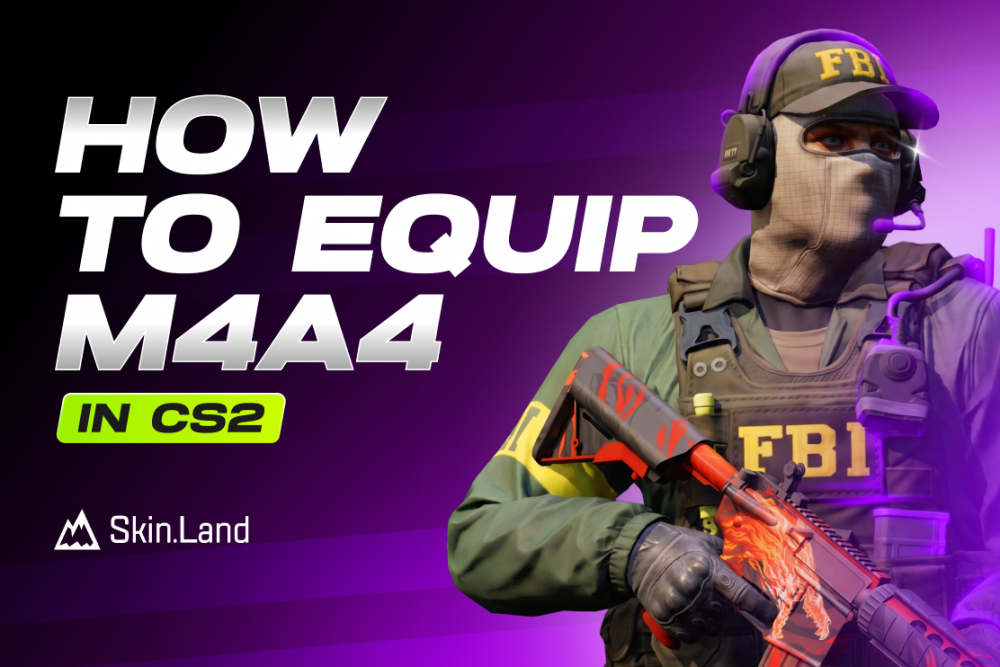

How To Equip M4A4 in CS2?
Equipping the M4A4 is straightforward once you understand the new grid system. Follow these steps to customize your CT-side arsenal:
Open the Loadout Menu: From the CS2 main menu, click on the Loadout tab at the top of your screen.
Select the CT Side: Make sure the CT faction is selected (indicated by the blue icon) to view your defensive gear.
Locate the Rifles Category: You’ll see a grid divided into Starting Pistols, Mid-Tier, and Rifles. The Rifles section has five available slots.
Drag and Drop: Find the M4A4 in your inventory at the bottom of the screen. Click and drag it into any of the five active rifle slots.
Double Up: Unlike in CS:GO, you can now equip both the M4A4 and the M4A1-S simultaneously. Just drag them into two separate slots so you can choose between them mid-match based on your budget!
Can T Equip MA44 in CS2?
No, Terrorists can’t equip M4A4 in their loadout menu in CS2. The only way to wield an M4A4 as a Terrorist is to pick it up from the ground after a CT player has dropped it or been eliminated. While "stealing" an M4 can be a great tactical advantage due to its fire rate and accuracy, it is a temporary boost that only lasts until the end of the round or your character's death.
Why Can't I equip M4A4 CS2?
If you are struggling to find or slot the M4A4, it is usually due to one of the following reasons:
Wrong Faction Selected: Ensure you are in the Counter-Terrorist (CT) tab of the loadout menu. The M4A4 is a faction-exclusive weapon and will not appear in the Terrorist (T) inventory.
Incorrect Slot Category: The M4A4 can only be placed in the Rifles category. It cannot be equipped in the "Starting Pistol" or "Mid-Tier" slots.
Full Loadout Slots: You only have five available slots for rifles. If all five are filled (e.g., by the M4A1-S, FAMAS, AUG, etc.), you must drag the M4A4 over an existing rifle to replace it.
Inventory Sync Issues: If you just bought or traded for a new M4A4 skin, it may not show up immediately. Try restarting the game to refresh your inventory and force the server to update.
Search Filters: Check if you have any active filters in your inventory grid at the bottom of the screen that might be hiding the M4A4 from view.




Escriba un comentario